Getting around
IC cards (Suica, PASMO, ICOCA)
A rechargeable IC card lets you tap through ticket gates without buying tickets, and pay at convenience stores, vending machines and many lockers. Here's how to pick one and use it without getting stuck at a gate.
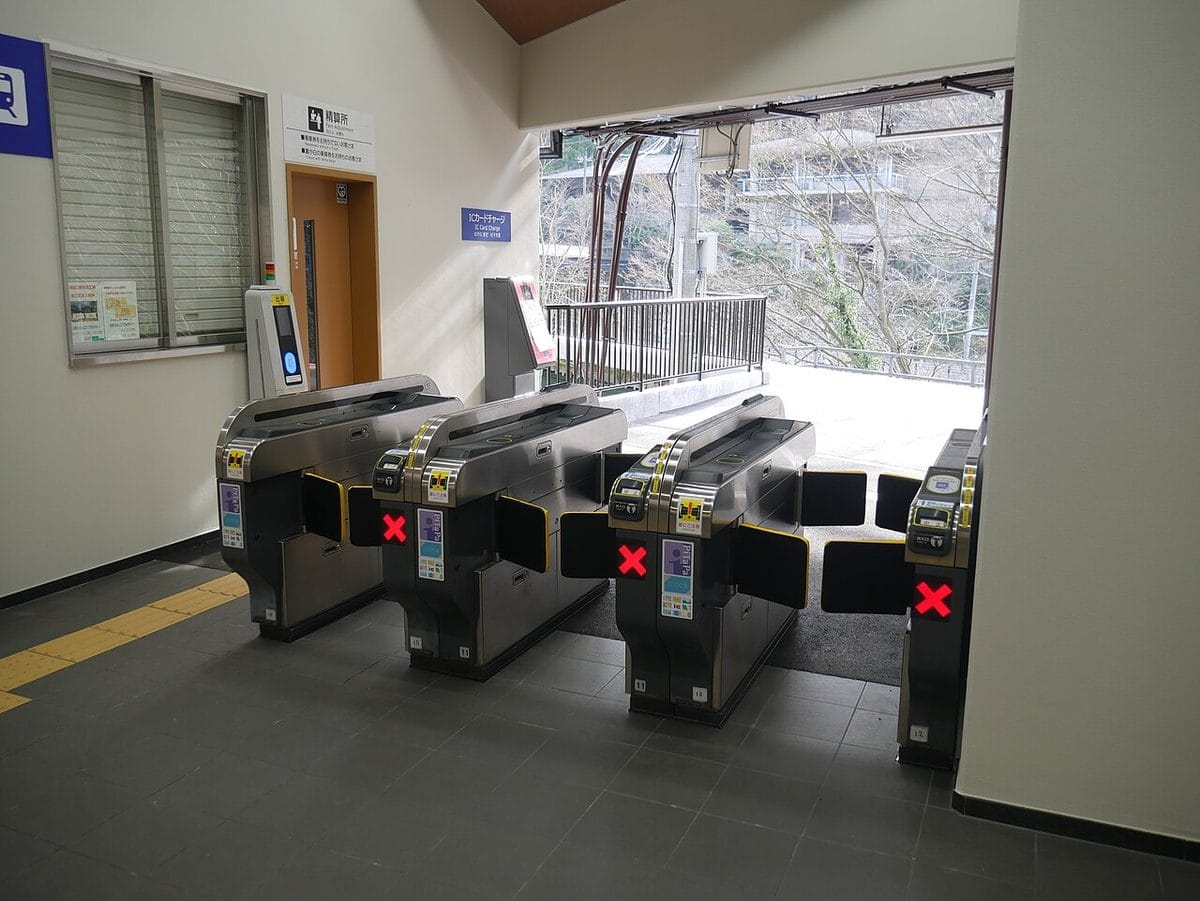
Photo: Hahifuheho / Wikimedia Commons (CC0)
Which card to get
- Welcome Suica: made for visitors. No deposit; valid for 28 days including the day you buy it. Sold at Welcome Suica machines and JR EAST Travel Service Centers.
- Welcome Suica Mobile: an app for iPhone, valid for 180 days, topped up with Apple Pay.
- Regular Suica or PASMO: sold at station ticket machines again since March 2025. You pay a 500 yen deposit, which you get back when you return the card.
- An iPhone can also add a regular Suica, PASMO or ICOCA in Apple Wallet. Most phones bought outside Japan with Android can't.
Common mistakes
- Buying two cards from different regions expecting to need both — Suica, PASMO, ICOCA and the others work across most of Japan's big cities.
Tapping through the gate
Step by step
Touch the card flat on the round blue reader for a moment. The gate beeps and shows your balance.
Keep it handy and tap again at the gate where you get off. The fare is taken then.
If the gate closes with a red light, it's often because your balance is too low — use the fare adjustment machine (精算機, seisanki) near the gate. For anything else (no tap-in, an expired card), go to the staffed window.
Common mistakes
- Tapping too quickly or through a thick wallet with other cards in it.
- Leaving through a gate without tapping — the card then won't let you in next time until staff fix it.
Topping up (chāji)
Step by step
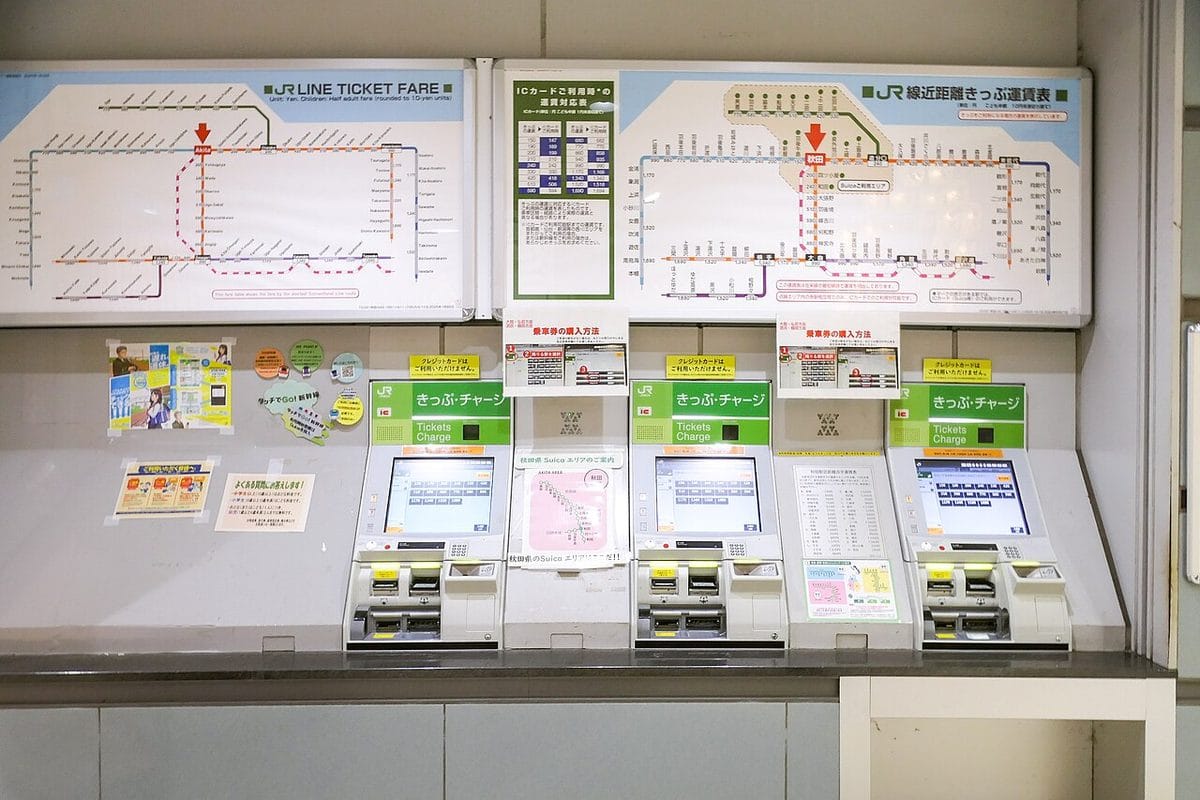
At a ticket machine, press the チャージ (charge) button or choose English.
Put in your card, choose an amount and insert cash.
Common mistakes
- Trying to top up with a credit card at a station machine — most only take cash.
- Topping up more than you'll use. The maximum balance is 20,000 yen.
Good to know: Convenience store registers can also top up your card: hand it over and say “chāji”.
Tapping a bank card instead
Around Tokyo, a growing group of private railways and subways accept a contactless credit card at the gate (their joint announcement for March 2026 names 11 operators). JR East is not part of it, and both the station you enter and the one you leave must take it — look for the card logo on the gate. In Kansai, Nankai (Kansai Airport–Namba) also accepts card touch at supported stations.
Common mistakes
- Tapping a bank card at a gate without the card logo.
Good to know
- One trip can't run from one IC area into another (for example Tokyo to Nagoya on one tap). Buy a ticket for long trips.
- Returning a regular Suica gives back the 500 yen deposit and the balance minus a 220 yen fee.
- Long-distance shinkansen usually needs a separate ticket or e-ticket. On some routes you can link a ticket to your IC card when you book online.
Common mistakes
- Assuming the shinkansen gate will take the fare from your IC balance like a local train.
Sources
Sources (checked 2026-11-05). Facts, numbers and prices on this page come from these official pages.
- JR EastWelcome Suica: How to purchase(opens in a new tab)JR East: how to buy a Welcome Suica card
- JR EastSuica(opens in a new tab)JR East: the Suica IC card
- JR EastSuica: refunds(払いもどし)Japanese(opens in a new tab)JR East: getting a refund on a Suica card
- Railway operatorsCredit card touch payment: mutual use by 11 Kanto railways (Keio press release)(opens in a new tab)Keio press release: credit card tap-to-ride on 11 Kanto railways
- Railway operatorsNankai: Touch payment(opens in a new tab)Nankai Railway: paying by contactless card touch
- Japan National Tourism Organization (JNTO)Japan Travel Planning(opens in a new tab)JNTO: official Japan travel planning pages
 NextDriving & cycling
More in this section
 Arriving & leaving JapanImmigration and customs on arrival, and the departure tax.
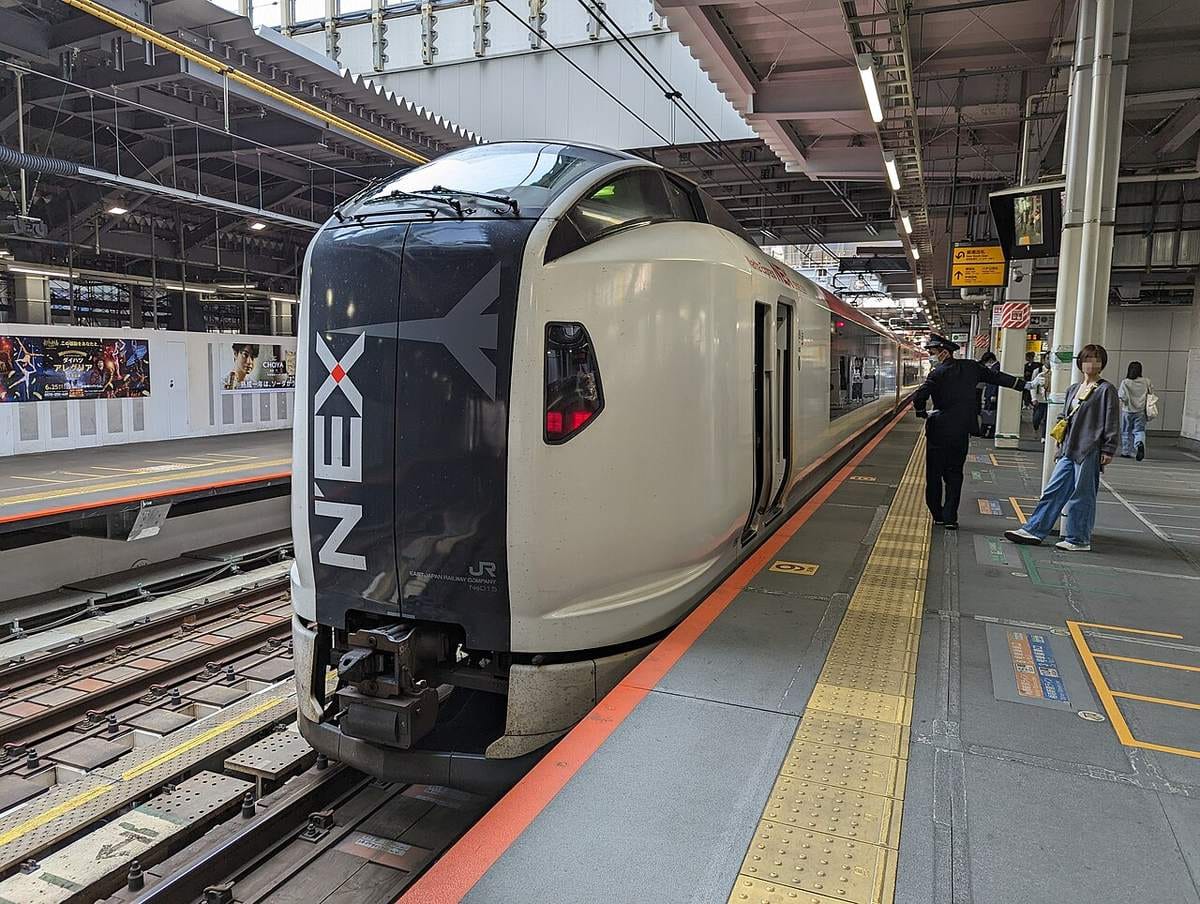 Airport to the cityTrains, buses or a taxi from Narita, Haneda and Kansai.
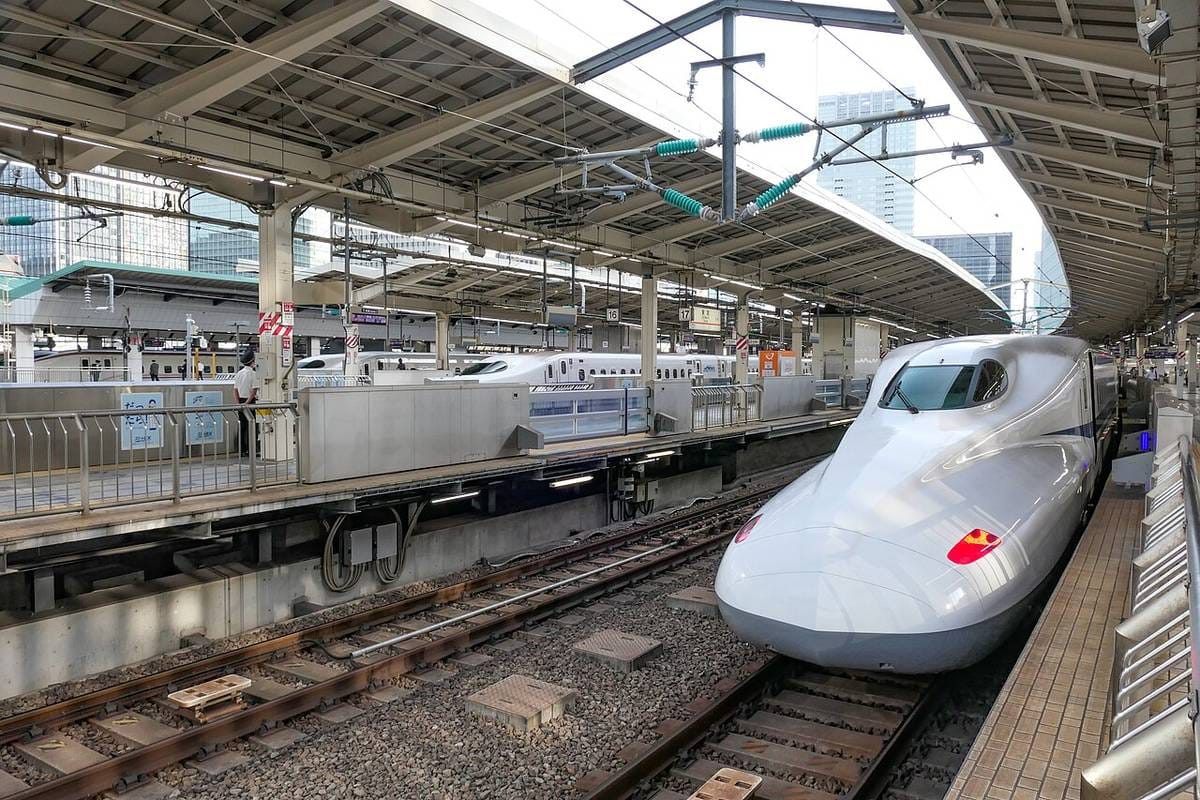 Trains & stationsQueues on the platform, quiet carriages and priority seats.
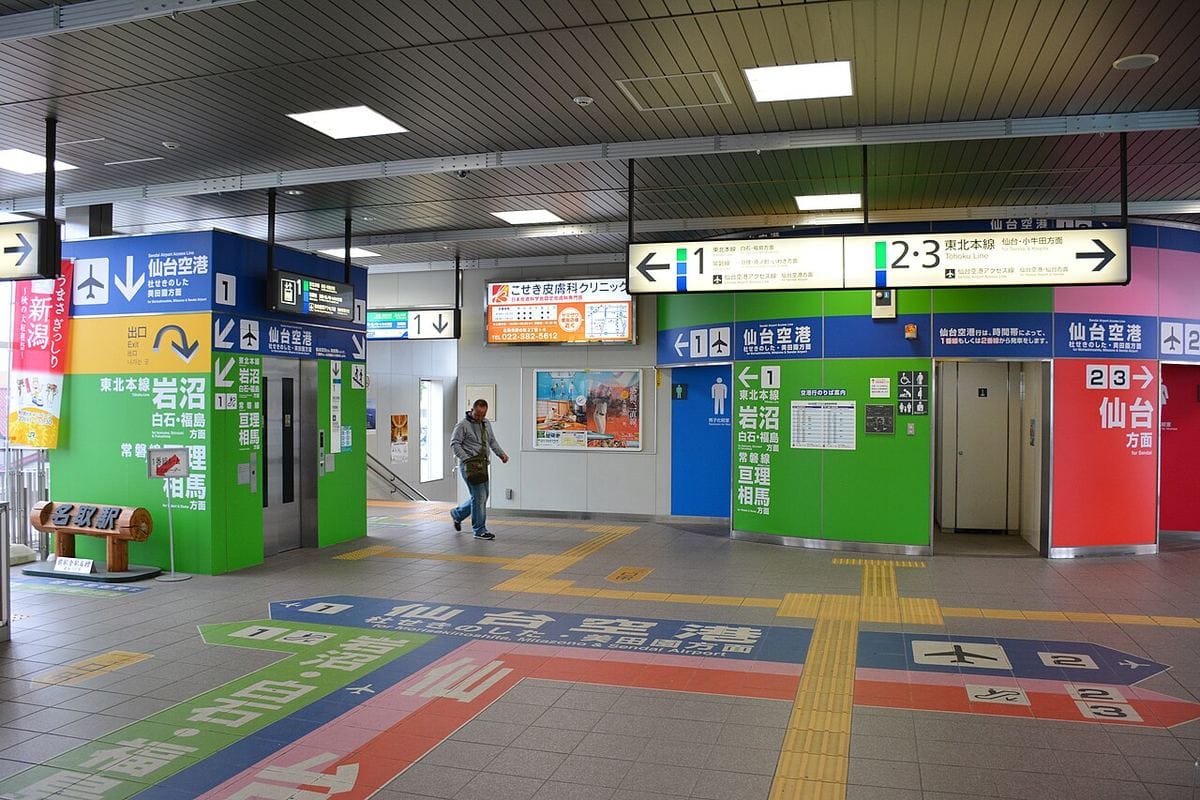 Accessible travelWheelchair help on trains, elevators, accessible toilets and taxis.
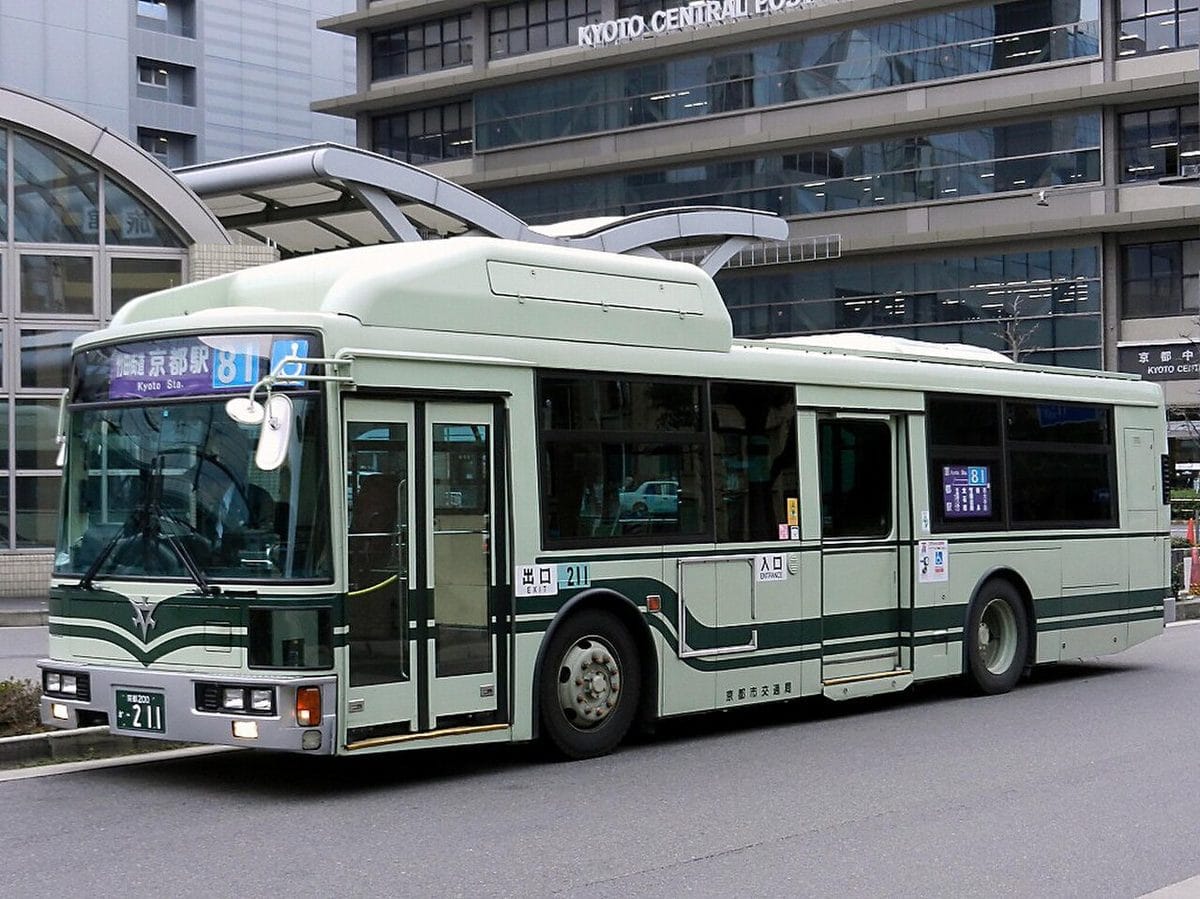 Local busesWhich door, the numbered ticket, and paying when you get off.
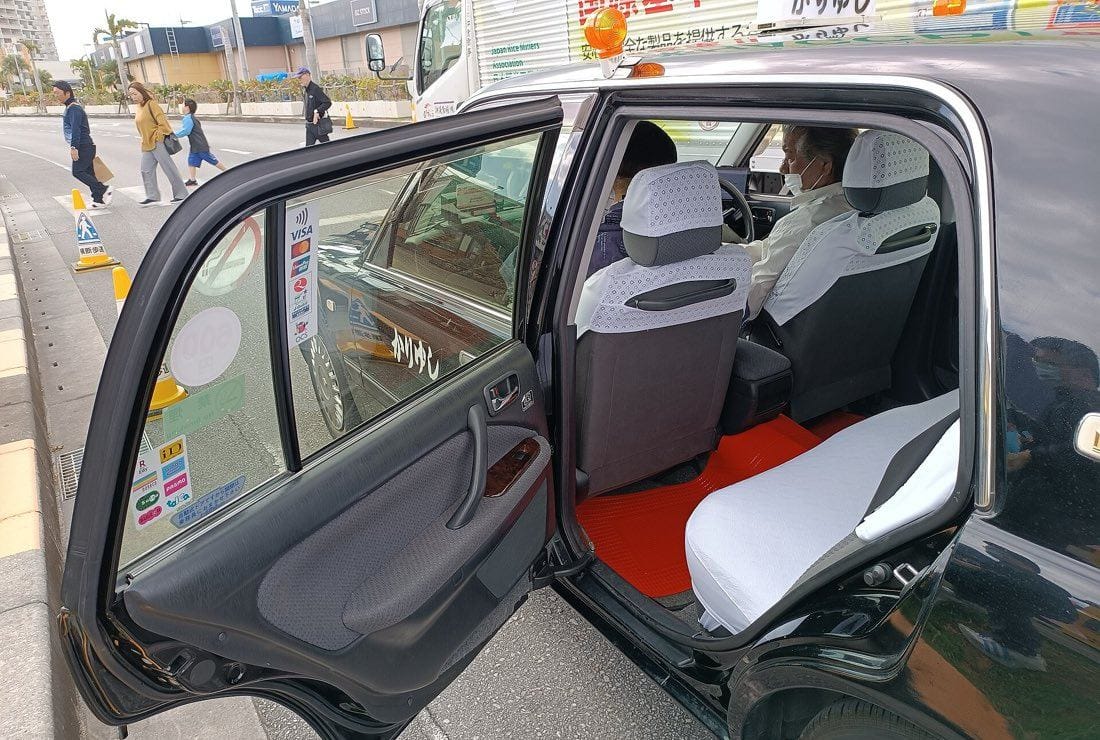 TaxisDoors that open by themselves, and showing where you're going.
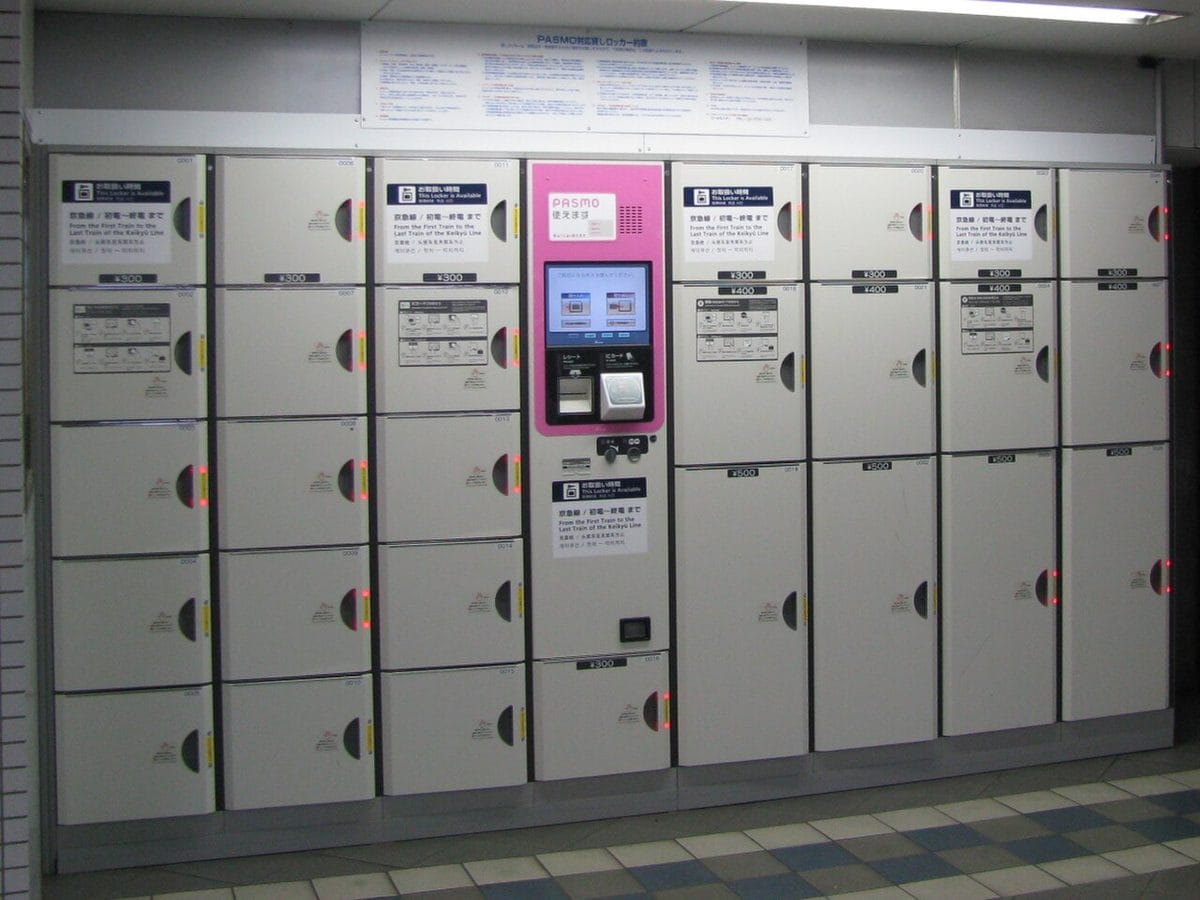 Luggage: lockers & forwardingCoin lockers, sending bags ahead, and big suitcases on trains.