Money & phone
Wi-Fi, SIM & charging
Maps, translation and train times all need data. Sorting it out before you land saves a lot of trouble.
Ways to get online
- eSIM: buy a data plan online before you fly and switch it on when you land.
- SIM card: sold at airports and electronics shops.
- Pocket Wi-Fi: a small router rented at the airport, good for groups.
Common mistakes
- Leaving data roaming on from home and getting a huge bill.
Free Wi-Fi
Step by step
Many stations, convenience stores and cafés have free Wi-Fi.
The free Japan Wi-Fi auto-connect app logs you in to many spots after one registration.
In a café or your hotel, ask for the password with the line below.
Common mistakes
- Entering card details on public Wi-Fi.
Phone calls
Data-only plans don't give you a number for normal phone calls. Know how you'd call in an emergency — or ask a shop, station or hotel to call for you.
Charging
Step by step
Japan uses two-pin plugs (type A) at 100 V. Most phone chargers work; check older devices.
Carry a power bank. Convenience stores sell them, and some cafés have outlets.
Common mistakes
- Charging at a café table outlet without asking — some places don't allow it.
On HAKOBUNE Spot
Cafés and coworking spaces where you can sit down and get online.
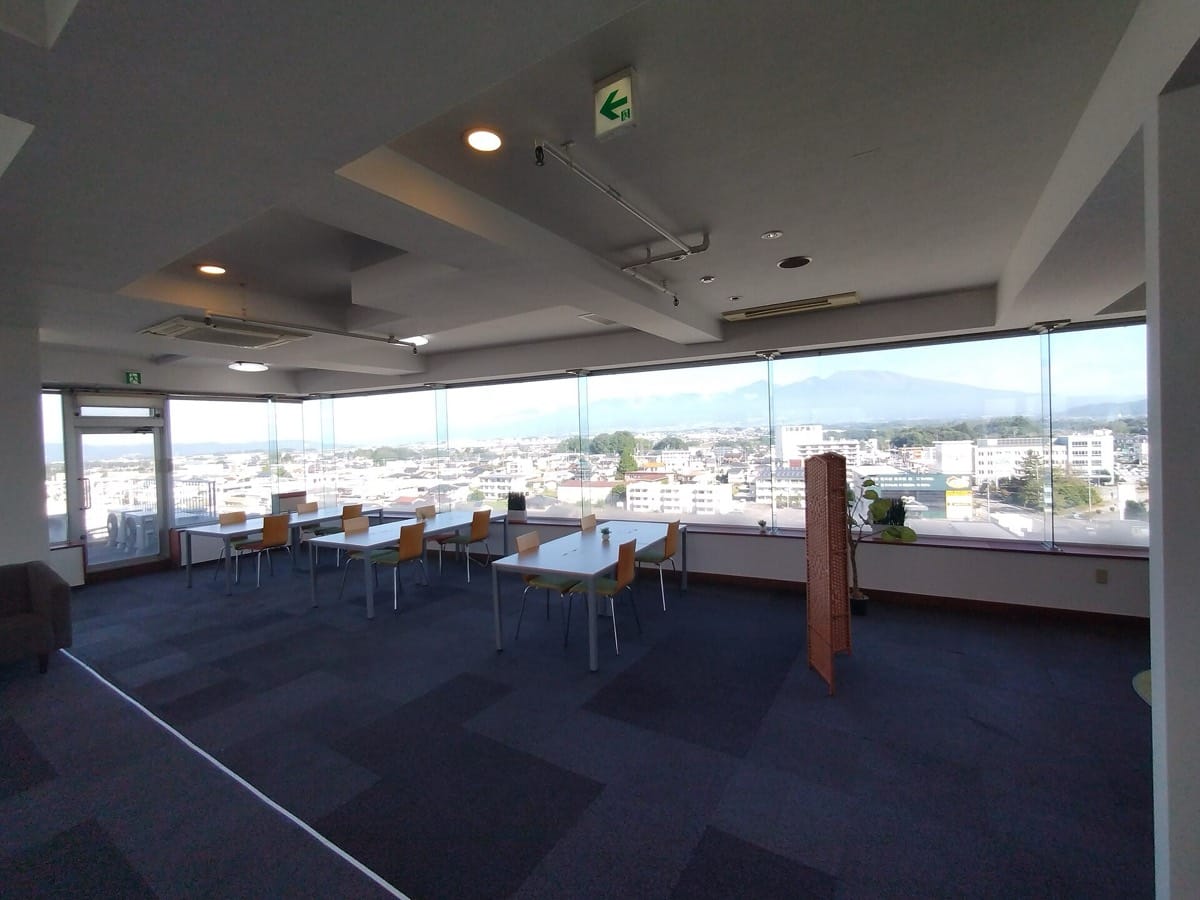
WorkspacesKagoshima
Umimado Coworking
Sakurajima beyond the window. A workspace from ¥1,500 a day.
from ¥660Open now · until 21:00
- Gives back
- English OK

CafésYanaka, Tokyo
Tsukiakari Coffee
A coffee house halfway up a Yanaka slope, open until 10 pm.
from ¥800Open now · until 22:00
- Gives back
- Vegetarian
- English OK
Sources
Sources (checked 2026-11-04). Facts, numbers and prices on this page come from these official pages.
- Japan National Tourism Organization (JNTO)Wi-Fi in Japan(opens in a new tab)JNTO: Wi-Fi and staying connected in Japan
- Japan National Tourism Organization (JNTO)Japan Wi-Fi auto-connect app(opens in a new tab)JNTO: Japan Wi-Fi auto-connect smartphone app